Clean Your TV
A family TV that used to sell us things, now just shows us ours.
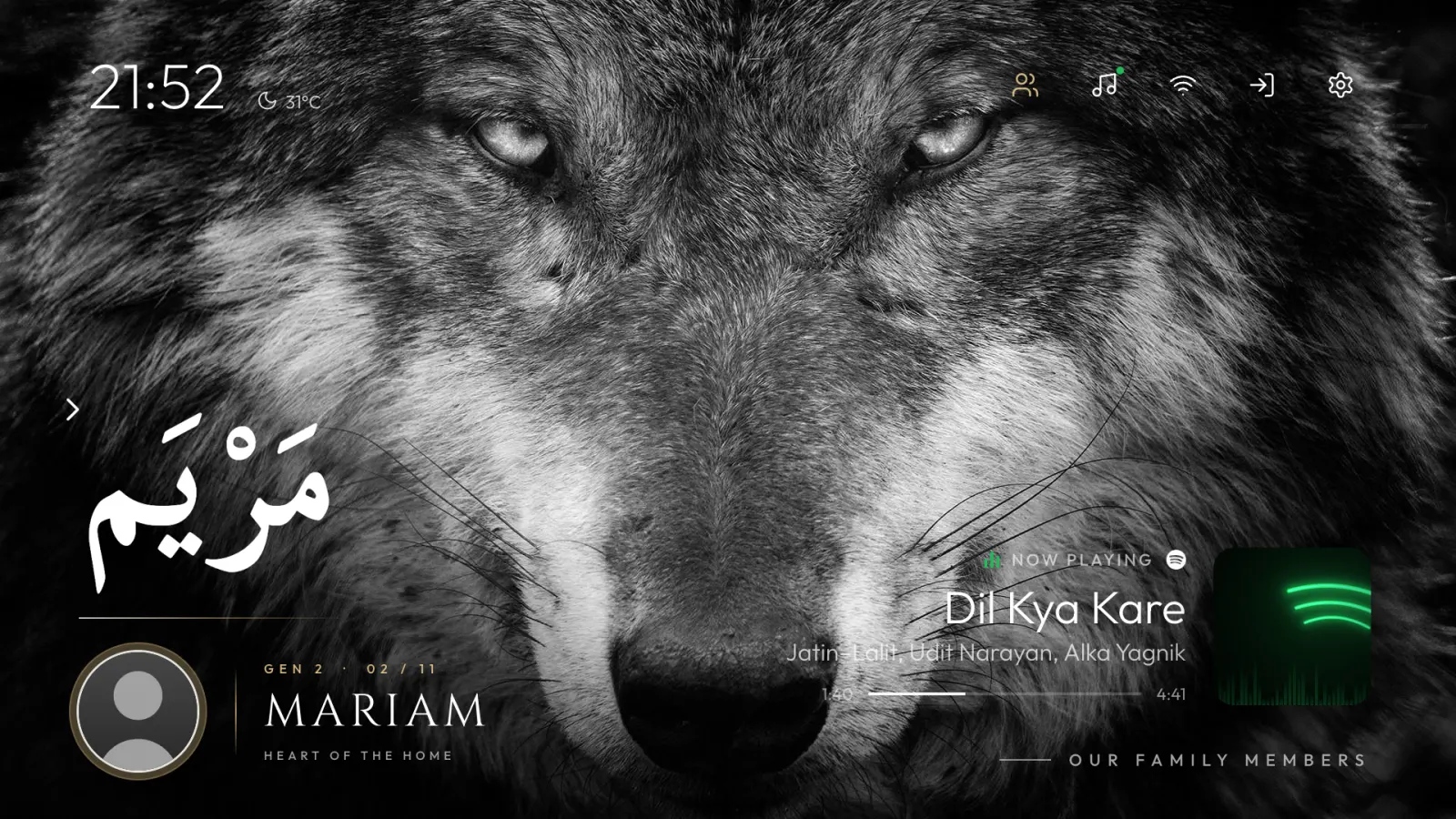
What it is
Our Sony BRAVIA runs Google TV, and its home screen led with ads and rows of shows we never picked. Clean Your TV switches that off — 26 packages disabled — and replaces the home with a launcher of our own: a dock where each app lights the room in its colour, a family screen in two themes, and a screensaver that keeps time and prayer times.
See it screen by screen, or read who made what on the Credits page.
By the numbers
400+ MB of bloat, down to a 58 MB home.
- Packages enabled26 switched off, never uninstalled
- 159
- 133
- Home screen memoryBefore is our estimate · after measured
- 400+ MB
- 58 MB
- Ads on the home screenNo promoted rows, no autoplay
- Full-width
- None
- Apps on the home row5 apps + Our family + More apps
- Picked for you
- 7 we chose
- Launcher sizeOne APK, Java, minSdk 26
- —
- 4.6 MB
- Tracking on the home screenOur launcher has no accounts, trackers or analytics
- Google account
- None
What it stands for
Ours first
The home screen shows the apps we use and the people we love. Nothing is promoted, nothing is recommended.
Switched off, not torn out
Every change can be undone. Bloat is disabled, never uninstalled, and one script rebuilds the TV after a reset.
Nothing watching
No accounts, no trackers, no analytics. The weather is the only thing it fetches; prayer times are worked out on the TV.
Designed before it was built
Seven directions were tried in a browser studio before a single screen reached the TV.
Who made it
Mehboob Shaikh, a lead full-stack engineer in Mumbai, built Clean Your TV for his family’s living room — a personal, non-commercial project, built on Gathin’s open-source cleanyourtv. More of his work is at mehboobshaikh.com, and he’s on LinkedIn and GitHub.
Questions
What is Clean Your TV?
Our family's Sony BRAVIA, running Google TV, with the ads and clutter switched off and a home screen of our own: a dock where each app lights the room in its colour, a family screen, and a quiet screensaver.
Was anything uninstalled?
No. 26 system packages are disabled, not removed, so any of them can be switched back on. After a factory reset, one script puts the whole setup back.
How much lighter is it than stock Google TV?
Our home screen uses about 58 MB of memory, measured on the TV. We estimate the stock Google TV home and its bloat at 400 MB or more. The whole launcher is a 4.6 MB app.
How many apps were switched off?
26 of the 159 packages the TV came with — ads, promoted rows and services nobody used. They're disabled, not deleted, so 133 are still enabled and any of the 26 can be turned back on.
What's on the new home screen?
A clock and the weather, seven things in the dock (five apps, Our family and More apps), and each app lights the screen in its own colour. All 13 apps sit on one ring in All apps, and there are no ads or promoted rows.
Does it track anything?
No accounts, no trackers, no analytics — on the TV or on this page. The only thing the launcher fetches is the weather beside the clock; prayer times are worked out on the TV itself.
Are those real family photos?
No. The family screens on this page show a sample family with drawn silhouettes and made-up names. The real faces stay on our TV.
Can I install it on my TV?
Not as a download — it's built for one TV and one family. If you'd like to know how it was done, write to us.